By Devesh Sunil Tatkare | Published: 08 April 2026 | Updated: 16 July 2026
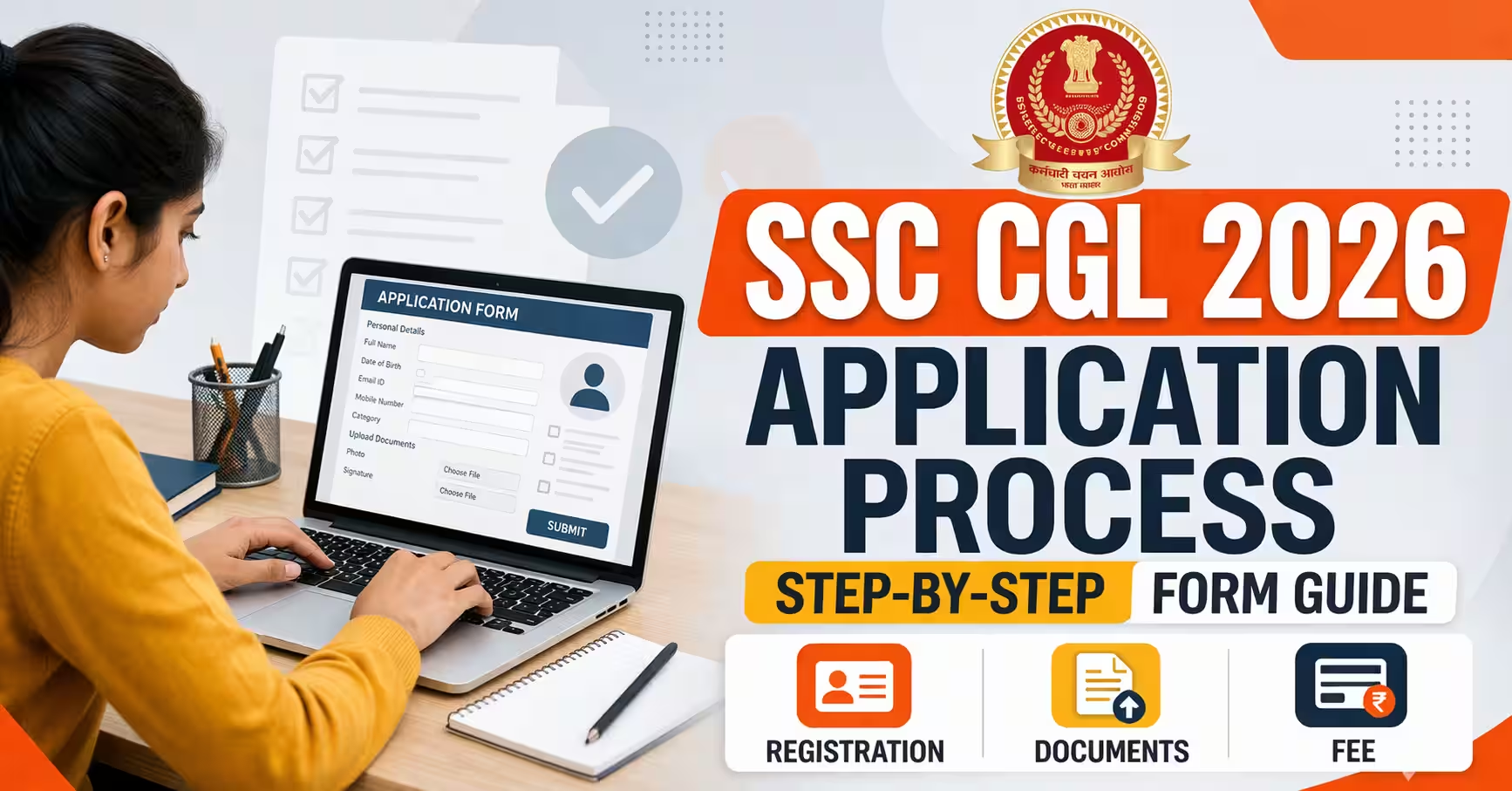
The SSC CGL application process is your first real test, before you ever sit in an exam hall. Miss a step, upload the wrong file size, or skip the OTR registration, and your form gets rejected silently. Over 30 lakh students apply every cycle, yet a number of them lose their chance to a preventable form error. This guide covers exactly how to get it right: the fee, the step-by-step process, what can be corrected after submission, and the form-stage mistakes that cause rejection at Document Verification years later.
Quick Answer: The SSC CGL application process has four parts: One-Time Registration (OTR), filling the exam-specific form, uploading your photo and signature, and paying the fee. All steps are completed online at ssc.gov.in or via the MySSC mobile app. The OTR is a permanent profile valid for all future SSC exams. Post preference order entered during the form cannot be changed after final submission.
What Were the Key Dates for the SSC CGL 2026 Application?
The dates below reflect the confirmed 2026 cycle schedule. The notification was delayed from its original March 31 target and released in April 2026. These dates serve as a reference for 2026 applicants and as a preparation benchmark for the 2027 cycle.
| Event | Date (2026 Cycle) |
|---|---|
| Official Notification Released | April 2026 |
| Application Window Open | April 2026 |
| Last Date to Apply and Pay Fee | Late April / Early May 2026 (per official notification) |
| Correction Window | Short window after application deadline |
| Tier 1 Exam | June-July 2026 |
| Tier 2 Exam | Date to be confirmed after Tier 1 results |
For 2027 cycle applicants: SSC typically releases the CGL notification in March-April each year. Monitor ssc.gov.in from February onwards. Complete your OTR before the notification drops so you are ready the moment the apply link goes live.
How Much Is the SSC CGL 2026 Application Fee?
The fee is low and category-dependent. Payment is accepted via BHIM UPI, Net Banking, Visa, Mastercard, RuPay cards, and offline SBI Challan. The exempted categories pay nothing.
| Category | Fee |
|---|---|
| General and OBC | Rs. 100 |
| Female candidates | Nil (exempt) |
| SC and ST candidates | Nil (exempt) |
| PwD candidates | Nil (exempt) |
| Ex-Servicemen | Nil (exempt) |
Select your category correctly during OTR. If you enter the wrong category and need to correct it during the correction window, the correction fee is Rs. 200 for the first change and Rs. 500 for the second. There is no third correction window.
How to Complete the SSC CGL Application Process Step by Step
The form has four sequential parts. Each must be completed before moving to the next. Starting Part 2 without completing Part 1 is not possible, and leaving the session mid-way can lose data already entered. Keep all documents ready before you open the form.
Part 1: One-Time Registration (OTR)
If you have never applied on the new SSC portal, start here. The OTR creates a single permanent profile valid for all SSC exams: CGL, CHSL, MTS, and others. Keep the following ready before starting:
- Personal details: name exactly as in Class 10 marksheet, date of birth, gender, category
- Active mobile number and email ID (both verified by OTP during registration)
- Class 10 board name, roll number, and passing year
- Aadhaar number (alternatives accepted: Voter ID, PAN, Passport)
After submission, SSC sends your Registration ID and password to your registered email and mobile number. Save both. These credentials are your login for every SSC exam from this point forward, and SSC does not reissue them if you lose them without identity verification.
Part 2: Fill the CGL-Specific Application Form
Log in with your Registration ID, then navigate to Apply, then Combined Graduate Level Examination 2026. Enter your exam preferences, preferred exam centres, and post preferences in priority order.
Part 3: Upload Your Photo and Signature
Two files are mandatory. Wrong file sizes are the single leading cause of form rejection. Prepare both files before starting the upload step.
| Document | Format | Size | Notes |
|---|---|---|---|
| Photograph | JPG | 4 KB to 12 KB | White or light-coloured background. No sunglasses, cap, or tinted photos. |
| Signature | JPG | 1 KB to 12 KB | Black or blue ink on plain white paper. Legible. No digital fonts or printed signatures. |
Mobile photos cropped inside a phone app are frequently rejected because the compression quality fails SSC's automated check. Use a scanner or a dedicated photo editor to resize precisely. A photo that looks fine on your phone screen may still be outside the 4-12 KB range.
Part 4: Pay the Application Fee
After uploading, complete payment and immediately download your acknowledgement slip. This slip is your only proof of a complete, successful submission. Many candidates close the browser tab after seeing a payment success screen and never download it. If the portal shows an error later, you need this slip to contact SSC helpdesk. Download it, save a PDF copy, and screenshot it as a backup.
What Fields Can Be Corrected After Submitting the SSC CGL Form?
SSC opens a short correction window after the application deadline. The window is brief, usually three to five days. Not every field is editable. Here is exactly what can and cannot be changed.
| Field | Correctable in Correction Window? |
|---|---|
| Name, Date of Birth, Category | Yes |
| Exam Centre Preference | Yes |
| Photo and Signature | Yes |
| Post Preference Order | No: permanent from submission |
| Registration ID (OTR number) | No: permanent from OTR creation |
| Mode of payment used | No |
Correction fees: Rs. 200 for the first correction attempt, Rs. 500 for the second. There is no third attempt. Fill the form correctly the first time and treat the correction window as a safety net, not a plan.
What Documents Do You Need Before Starting the SSC CGL Application?
Fetching documents mid-session frequently causes SSC portal timeouts, and filled data is lost when the session expires. Gather everything before you open the form.
- Aadhaar card (or Voter ID, PAN Card, or Passport as an accepted substitute)
- Class 10 marksheet: board name, roll number, and passing year
- Graduation degree or provisional certificate
- Scanned photo: white background, JPG format, 4 KB to 12 KB
- Scanned signature: black or blue ink on white paper, JPG format, 1 KB to 12 KB
- Active email ID and mobile number for OTP during OTR
- Category certificate if applying under SC, ST, OBC, PwD, or EWS
Confirm your documents match the educational and category requirements for the posts you want before submitting. For the post-wise requirements, check the eligibility page before the application page.
Check Before You Apply SSC CGL Eligibility Criteria 2026 — Age Limit, Education, and Physical Standards by Post Some posts require physical fitness standards. Others restrict candidates with colour blindness. Check which posts you can actually hold before choosing your post preference order.Form Errors That Cause SSC CGL Document Verification Rejection Years Later
Most application guides cover errors that get the form rejected immediately: wrong file size, wrong fee category, last-day server failures. These are real but fixable. The more damaging errors are the ones that pass the portal's automated checks and appear as a successful submission, but surface during Document Verification after you have cleared Tier 1 and Tier 2.
Name spelling that does not exactly match the Class 10 marksheet. The OTR name must match your board marksheet character for character, including middle names, initials, and the presence or absence of a prefix. A middle name entered differently, a surname spelled with one letter variation, or an initial included in OTR but absent from the marksheet creates a mismatch. SSC flags this at DV, and candidates are asked to produce an affidavit or gazette notification to resolve it. Some cannot resolve it and lose the post at the final stage.
Category entered without a valid certificate matching the date of notification. Candidates from OBC or EWS categories sometimes enter the correct category but hold a certificate issued before the financial year required, or from a state where the notified list differs from the central list. OBC non-creamy layer certificates are valid for one financial year. An OBC certificate that was current when you applied may be expired by the time DV happens. Verify the validity date before submitting.
Graduation data entered from memory, not from the actual degree. Course name, university name, and passing year entered from memory frequently have minor differences from the actual certificate. At DV, everything is checked against originals. A mismatch between the form entry and the certificate, even if the difference seems trivial, triggers scrutiny. Copy these details directly from your documents, not from memory.
Post preference order chosen without reading the post-wise physical and medical requirements. Some posts under SSC CGL carry a visual acuity requirement. Colour blindness disqualifies candidates from specific Inspector posts. A candidate who lists Inspector of Income Tax or Inspector of Central Excise first in their preference order without knowing about the physical standard requirement may clear both exams and then be medically disqualified at the final stage. Read the post-wise requirements in the official notification before deciding the order.
Four Form Mistakes That Get Applications Rejected Immediately
Beyond the DV-stage errors above, these four mistakes cause outright rejection during the application phase itself. They repeat in every cycle.
What Should You Do Next?
If your form is submitted, shift entirely to preparation. The application process is complete. Every hour spent reviewing it now is an hour taken from Tier 1 and Tier 2 preparation, where your rank is actually decided.
Understand the Exam Structure SSC CGL Exam Pattern 2026 — Questions, Marks, Time Limits and What Changed Tier 1 and Tier 2 both have structural rules that change how you should practise. The section time lock in Tier 2 is the most commonly missed detail. Know What You Are Preparing SSC CGL Syllabus 2026 — Complete Topic List for Tier 1 and Tier 2 Subject-wise topics, expected question counts by topic, and the depth difference between Tier 1 and Tier 2 on the same subjects. How Your Rank Gets Built SSC CGL Selection Process 2026 — Tiebreaker Rules, DEST Error Limits and Post Allocation Understanding how Tier 1 feeds Tier 2 and how your final score translates to a specific post determines how you should allocate preparation time. Compare Posts Before Confirming Preference Order SSC CGL Salary 2026 — Post-Wise In-Hand Pay and Allowance Breakdown In-hand salary varies by more than Rs. 10,000 per month between two Level 7 posts purely because of allowances. Read this before locking your post preference.FAQ
Can I edit my SSC CGL application form after submitting it?
Yes. SSC usually opens a correction window after the application deadline, allowing candidates to modify eligible fields by paying the prescribed correction fee. However, the facility is available only for a limited period.
Is One-Time Registration (OTR) mandatory for SSC CGL?
Yes. Every candidate must complete the One-Time Registration (OTR) before filling the SSC CGL application form. The same OTR can be used for future SSC examinations like CHSL, MTS, JE, and CPO.
What should I do if my SSC CGL application fee payment fails?
First, check whether the payment amount has been deducted and wait for the payment status to update. If the transaction fails or remains incomplete, complete the payment again before the application deadline. Do not assume your application is submitted until the status shows successful.
Can I submit more than one SSC CGL application form?
No. Candidates should submit only one application. Multiple applications may lead to complications or rejection, so ensure your final application is complete and accurate before submission.
What happens if my photograph or signature is rejected?
You should upload a fresh image that meets the specifications mentioned in the official notification. If SSC provides a correction window, you can replace the rejected photograph or signature during that period.